Books
Your rulebooks and PDFs on one shelf, open full-window. The same reader as the Book tile, with room to read a whole stat block at once, and a way to pop a book out onto another screen.
- Where
- Books, in the rail
- Shares with
- Book tiles
- Files
- Read where they are; never copied
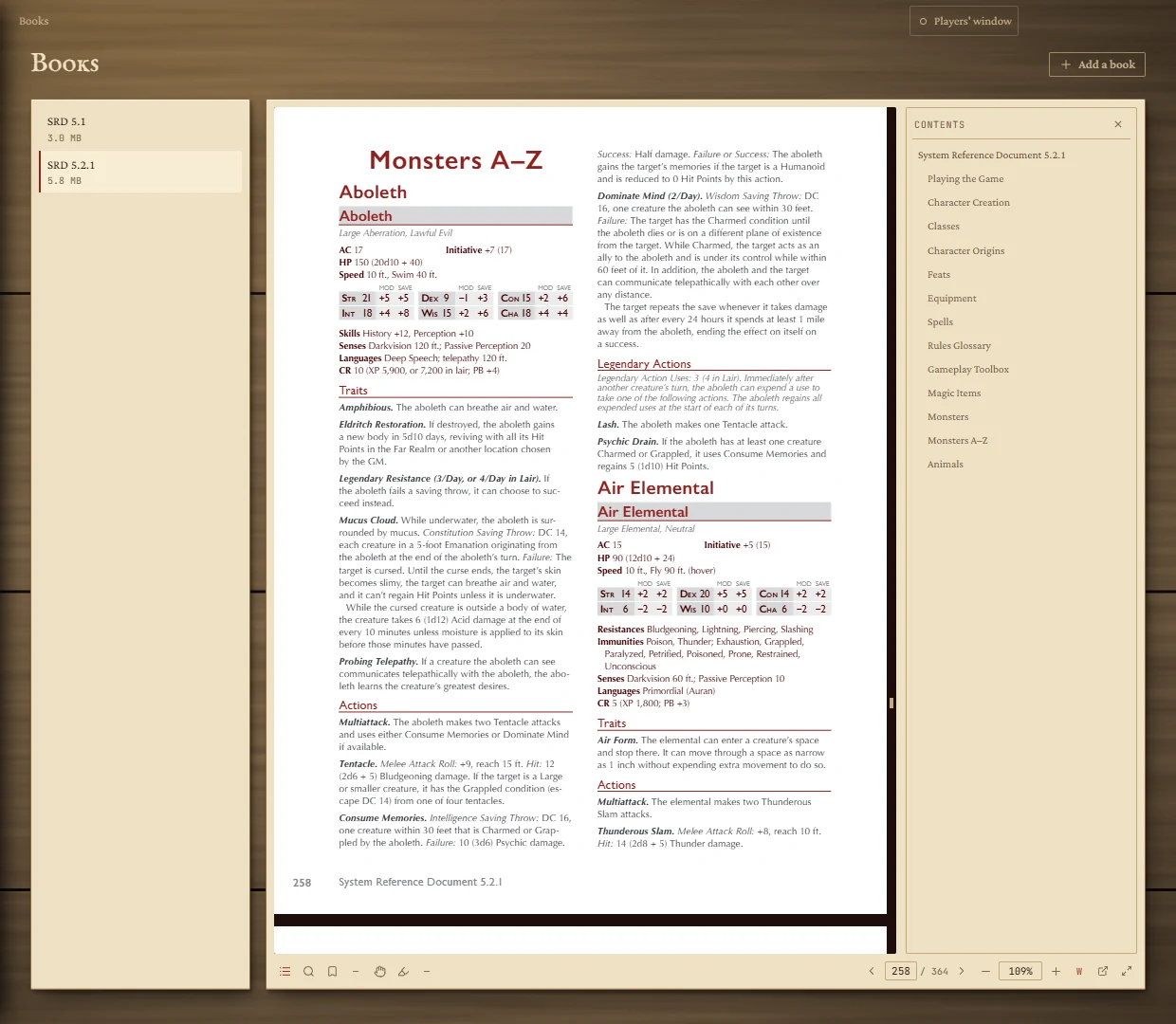
The shelf
Press Add a book at the top right and pick one or more PDFs. The app records where each file is and never makes a copy, so your books aren't duplicated. Click a book to open it. The cross beside a book forgets it from the shelf; the file stays on your disk. A book whose file has moved shows missing — moved or deleted.
This is the same shelf the Book tiles use: anything added here is on their shelf too.
Reading
Everything the Book tile does works here: contents, search, bookmarks, highlights, zoom, fit, and dragging the page. See the Book guide for the bar. Contents, search, bookmarks and highlights open as a panel beside the page.
The page remembers where you were in each book, so reopening a book takes you back to the same page. Zoom and fit start at fit to width each time.
The whole window
Press Give the book the whole window (the arrows at the right end of the bar). The page heading and shelf hide and the rail folds away. Press it again (Show the shelf again), or go to another page, to bring them back.
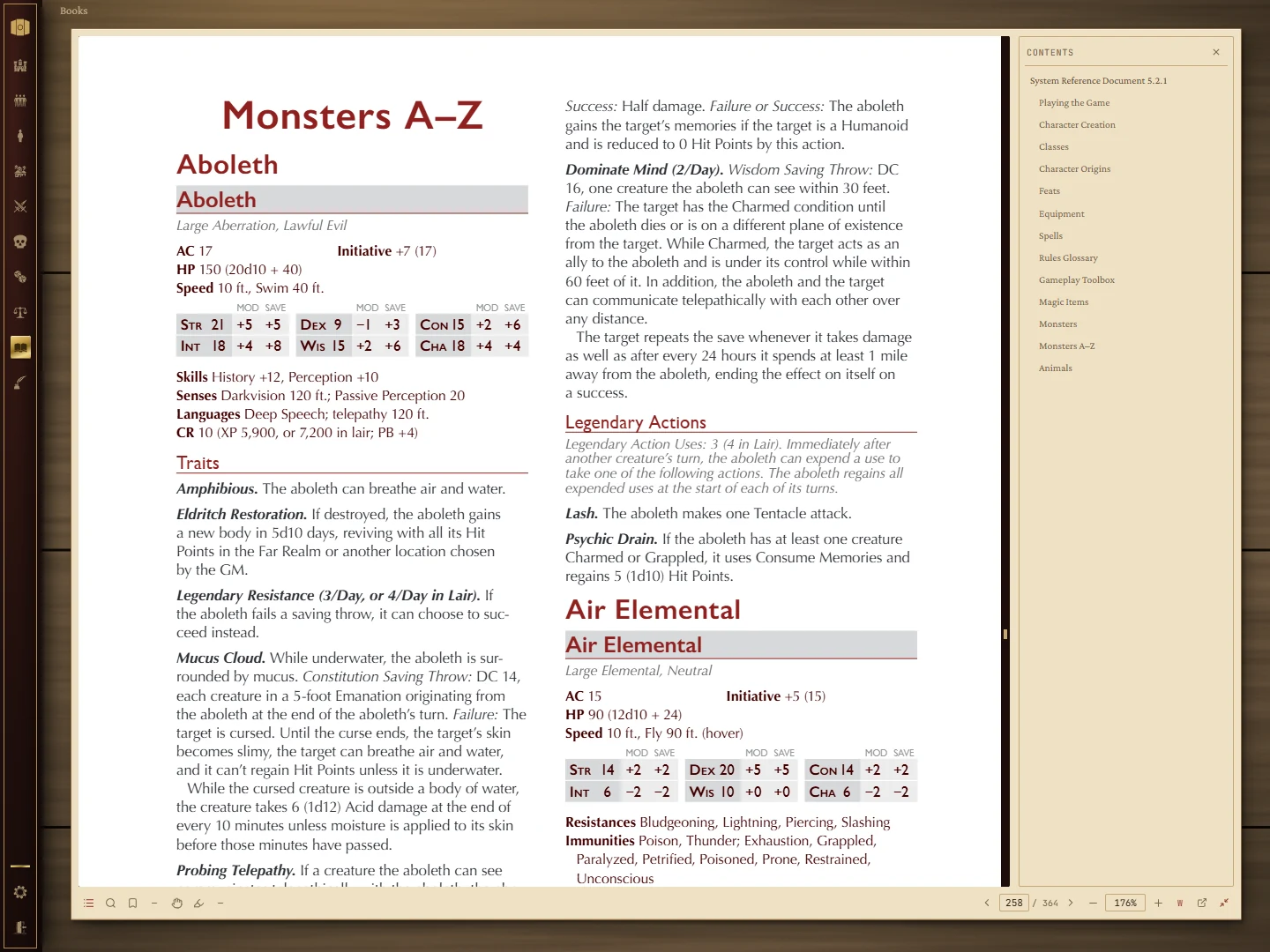
A book in its own window
Press Open this book in its own window to pop the book out into a separate window you can move to a second screen. It shows only the reader, and its title is the book's name. Asking again for the same book brings its window to the front rather than opening another.